

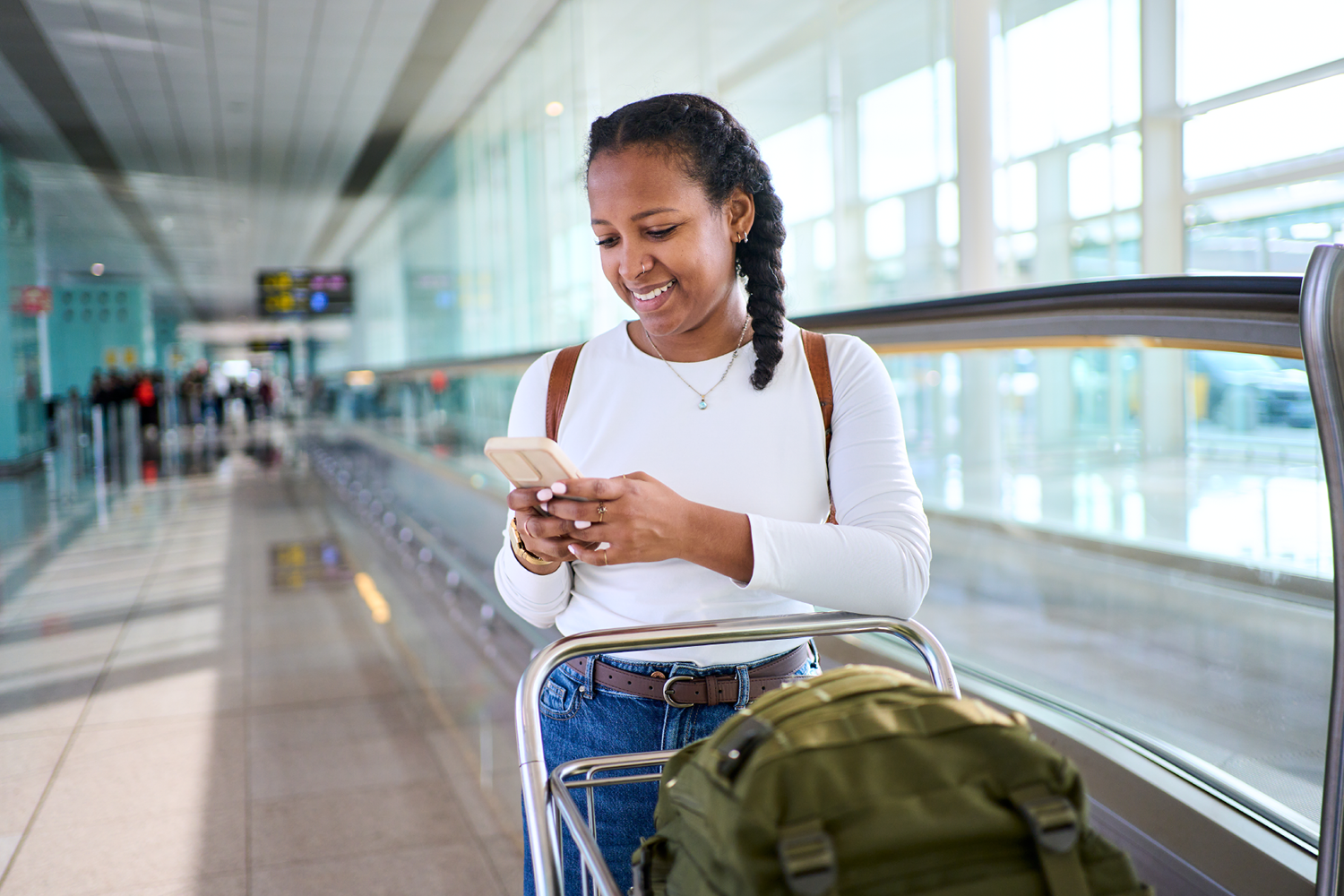
Traveling is a great way to explore new places and stay connected with friends and family, but it can also introduce cybersecurity risks if your devices and accounts aren’t properly protected.
Whether you’re traveling across the country or working remotely this summer, these tips can help keep your personal information secure.
Protect Yourself on Public Wi-Fi with a VPN
Free Wi-Fi at airports, hotels, restaurants, and coffee shops makes it easy to stay connected, but public networks can be vulnerable to security threats.
A Virtual Private Network (VPN) encrypts your internet connection, helping shield your online activity from unauthorized access.
Why use a VPN while traveling?
- Protects sensitive data on public networks.
- Helps secure online banking and shopping.
- Provides an added layer of privacy.
- Encrypts internet traffic between your device and the web.
Use a Password Manager
If you’re still relying on the same password for multiple accounts, it’s time for an upgrade.
Password managers help you store and organize your credentials safely while generating strong passwords for every account. This improves security and simplifies login management when you’re on the go.
Advantages of password managers:
- Strong password generation.
- Secure credential storage.
- Easy access across devices.
- Reduced risk of account compromise.
Turn On Multifactor Authentication
Multifactor authentication (MFA) is one of the most effective ways to improve account security.
When MFA is enabled, you’ll need a second verification step in addition to your password, making it significantly harder for unauthorized users to access your accounts.
Common MFA methods include:
- Authentication apps
- Fingerprint recognition
- Face recognition
- Security keys
- Verification codes
Secure Your Devices
Your smartphone holds valuable personal information, making device security especially important while traveling.
Before your trip:
- Install the latest software updates.
- Enable screen locks and biometric features.
- Turn on Find My Device or similar tracking tools.
- Back up important files and photos.
- Remove apps you no longer use.
These simple precautions can help protect your information if your device is lost, stolen, or damaged.
Avoid Common Travel Security Risks
Cybersecurity isn’t just about passwords and software—it also involves everyday habits.
Consider these additional precautions:
- Avoid sharing sensitive information on public Wi-Fi.
- Keep your devices within sight.
- Disable automatic Wi-Fi connections.
- Use trusted charging equipment.
- Log out of accounts on shared devices.
Stay Connected with Confidence
A little preparation can go a long way toward protecting your personal information while traveling. By using a VPN, managing passwords securely, enabling multifactor authentication, and strengthening device security, you can enjoy your trip with greater peace of mind.
Stop by your local Wireless Zone store for smartphones, accessories, connected devices, and expert advice to help you stay connected and secure wherever your travels take you.
Archived Content Notice: This article has been preserved for informational purposes. Information, pricing, promotions, and product availability may have changed since publication. Please verify current details with Wireless Zone before making purchasing decisions.