

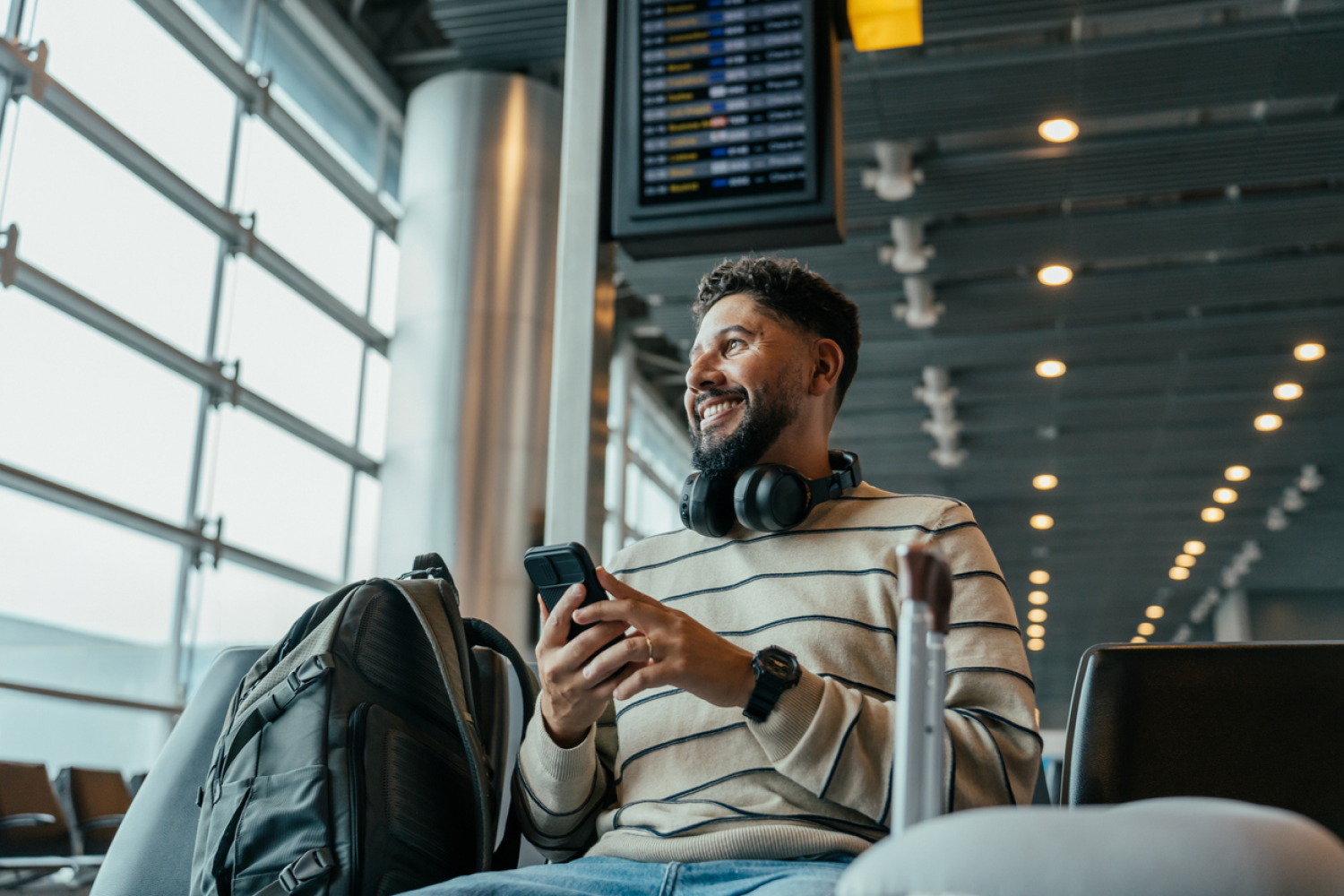
Thanksgiving travel can be hectic enough without a dead phone, missing directions or a forgotten charger slowing you down. Whether you’re driving a few hours to see family or flying across the country, taking a few minutes to prepare your tech can make your holiday travel a lot easier.
Before you pack your bags and hit the road, run through this Thanksgiving travel tech checklist.
1. Update Your Phone Before You Leave
Don’t wait until you’re heading out the door to install that software update you’ve been putting off.
Before your trip, check your phone, tablet and other connected devices for available software and app updates. Keeping your devices updated can provide important security fixes and help everything run smoothly while you’re away.
Ideally, complete updates while you’re home and connected to Wi-Fi rather than trying to download them from an airport, hotel or rest stop.
2. Back Up Your Important Information
Photos, contacts and important documents shouldn’t exist in only one place.
Before traveling, make sure your phone is backed up using a service such as iCloud or Google. This is especially important when traveling because phones can be more susceptible to being lost, damaged or stolen.
The Federal Communications Commission also recommends backing up electronic files before traveling.
3. Turn On Your Phone’s Location Features
If your phone gets left behind at a restaurant, airport security checkpoint or family member’s house, location services can make finding it much easier.
Before leaving home, make sure features such as Find My on Apple devices or Google’s device location tools are properly configured.
Verizon also recommends enabling location tools before holiday travel so you’re prepared if a device goes missing.
4. Download What You’ll Need Ahead of Time
Cellular coverage and Wifi-Fi aren’t guaranteed everywhere you travel.
Before leaving, consider downloading:
- Offline maps for your route or destination
- Airline apps and boarding passes
- Hotel and rental car information
- Movies, music or podcasts
- Important travel documents
- Emergency contact information
Having important information available offline can be especially helpful if you run into weak service along the way.
5. Pack Your Chargers and a Portable Battery
Your phone may be working overtime during Thanksgiving travel between navigation, entertainment, photos, messaging and keeping up with travel plans.
Pack your normal charging cable and wall adapter, but consider bringing a portable power bank as well. If you’re driving, a car charger is another useful addition to your travel setup.
Traveling with several people? A multi-port charger can help reduce the competition for outlets.
6. Be Careful With Public Wifi-Fi
Free Wifi-Fi at airports, hotels, coffee shops and other public places can be convenient, but it’s important to be cautious about which networks you connect to.
The FCC warns that criminals can create fraudulent Wifi-Fi networks designed to look legitimate and use them to capture personal information.
Avoid accessing sensitive accounts or entering financial information over unfamiliar public networks whenever possible. Verizon also recommends taking extra precautions with public Wi-Fi while traveling.
7. Review Your Security Settings
A lost phone is stressful. A lost phone containing unprotected personal information can be an even bigger problem.
Before traveling, make sure you have:
- A strong pass code enabled
- Face or fingerprint authentication configured, when available
- Device location features turned on
- Important accounts protected with strong, unique passwords
- Two-factor authentication enabled where appropriate
Verizon recommends using a pass code or bio metric security and avoiding simple or reused passwords to help protect information stored on your device.
8. Give Your Phone a Quick Pre-Trip Checkup
Finally, spend a few minutes making sure your phone is ready for the trip.
Check your available storage, battery performance, charging cables and accessories. If you’re traveling internationally, you should also understand your carrier’s roaming options and rates before leaving. The FCC specifically recommends reviewing international roaming options in advance to avoid unexpected charges.
And if your current phone struggles to hold a charge, has a damaged screen or simply isn’t keeping up anymore, the holiday season may be a good time to explore your upgrade options.
Travel Ready This Thanksgiving
A little preparation can go a long way toward making Thanksgiving travel less stressful. Update your devices, download what you’ll need, pack your chargers and make sure your phone is secure before you head out.
Need a charger, portable battery, new device or help getting your phone ready for holiday travel? Stop by your local Wireless Zone, a Verizon Authorized Retailer, and our team can help you get travel ready.
Archived Content Notice: This article has been preserved for informational purposes. Information, pricing, promotions, and product availability may have changed since publication. Please verify current details with TCC before making purchasing decisions.